Manual resume maker
Make your own resume
Write every section yourself, watch the live preview, export PDF or DOCX. No AI.
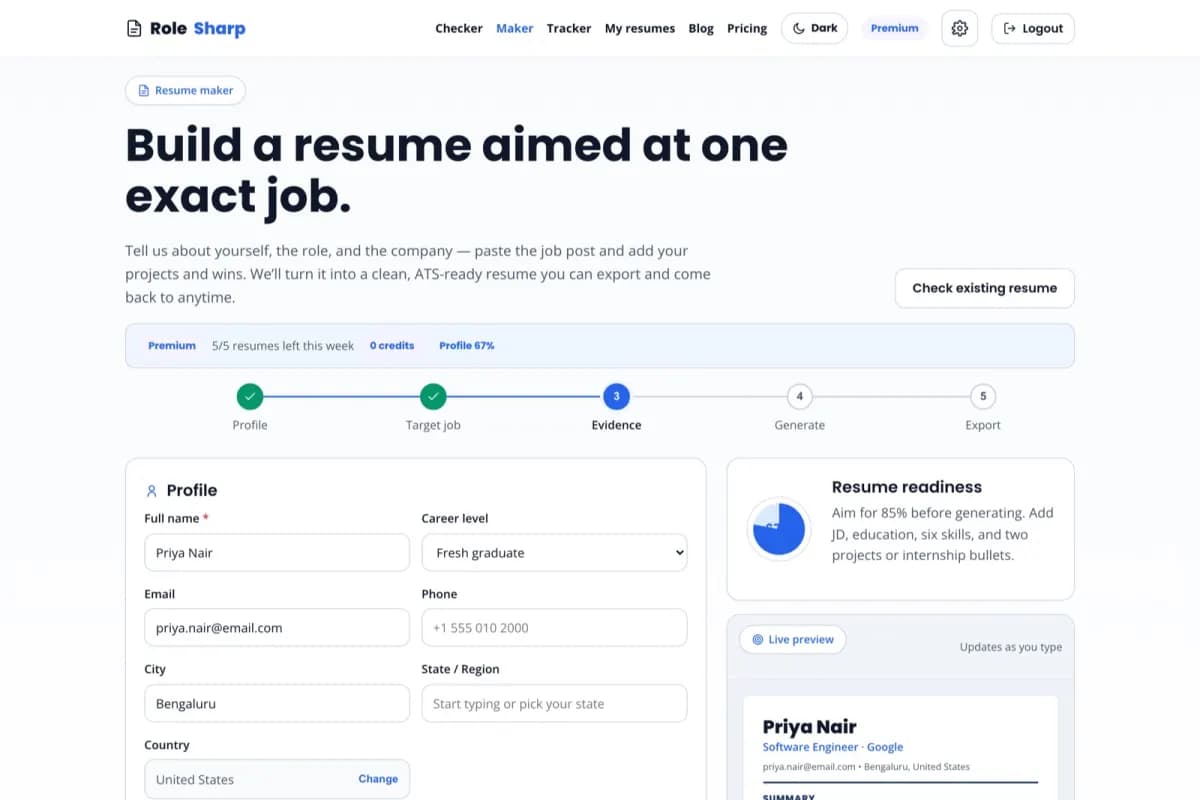
Form text returns after refresh on this browser for up to 30 days. Photos are never stored in the draft.
Profile
Choose where the job is located—not the company headquarters.
Choose a country for photo guidance
The photo option follows the application market and stays off by default.
On your LinkedIn profile choose More, then Save to PDF, and upload it here. Nothing is invented: only what the export contains is filled in.
Experience
Manual resume builder — common questions
Is this resume maker really free?
+
Yes. The manual builder is free: structured fields, live preview, ATS readiness scoring, and PDF export. Free users get a small watermark on PDFs; Premium removes the watermark. DOCX export is a Premium feature.
Is the output ATS-friendly?
+
Yes. The maker produces a clean single-column layout with standard headings, no tables, no graphics, and no icons — the format ATS parsers read most reliably.
How is this different from the AI builder?
+
The manual maker gives you full control with no AI involved. The AI builder tailors your content to a specific company, role, and job description and optimizes keywords automatically. Both export the same clean formats.
Can I switch to the AI builder later?
+
Yes. Your details carry the same structure, so you can move to the AI builder any time to tailor the same content to a specific job post.