ATS resume checker
Free ATS resume checker and score
Upload PDF, DOCX, or TXT and see your ATS score, keyword gaps, and fixes.
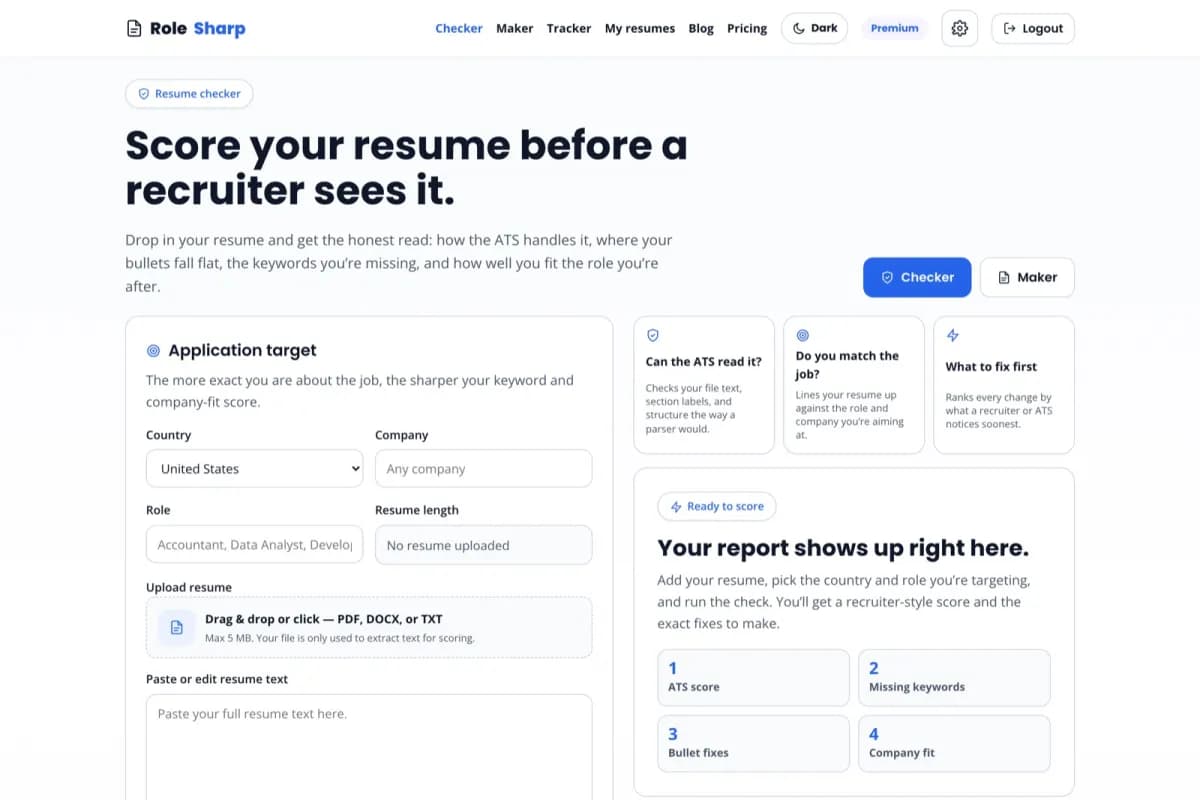
Application target
Name the job and the keyword score gets sharper.
What the checker looks at
Parseability
Text layer, section detection, bullet structure, and encoding an ATS can actually read.
Layout risks
Multi-column parsing failures, tables, images, and headers or footers that drop content.
Keyword match
Weighted against the job description when you paste one; against role norms otherwise.
The score is a diagnostic estimate, not an employer decision.
RoleSharp checks extractable text, standard structure, job-term coverage, and evidence quality. Employer systems use different parsers, weights, screening rules, and recruiter judgment.
Read the methodology- Paste one real job description for role-specific feedback
- Missing terms should be added only when the resume supports them
- Country guidance can be reviewed and overridden
- A higher score does not guarantee ranking or an interview
Turn the ranked gaps into a reviewable tailored draft.
Send the same resume evidence and job description into the builder. Review each proposed change and keep unsupported requirements out of the final document.
ATS resume checker, grader, and keyword scan — common questions
How does an ATS resume checker work?
+
An ATS resume checker scans your resume the way applicant tracking software does: it extracts your text, matches it against the job's keywords, and checks formatting that machines can read. RoleSharp scores keyword match, section structure, and bullet quality, then lists exactly what to fix.
What is a good ATS score?
+
A good ATS score is 80 or above. Below 60 usually means missing keywords or a layout the parser can't read; 60-79 means you're close but should add role-specific terms and quantified bullets. RoleSharp shows your score and the precise gaps so you know what to change.
Is the RoleSharp resume checker free?
+
Yes. You can check a resume and see your ATS score, keyword gaps, and bullet-level feedback for free, with no watermark. Building a new tailored resume uses your free monthly allowance or a credit; the checker itself is free to use.
Why did my resume fail the ATS?
+
Most resumes fail the ATS for three reasons: missing keywords from the job description, formatting the parser can't read like tables, columns, or images, or vague bullets with no metrics. The checker flags each of these and tells you the specific fix.
Does the checker work for any country?
+
Yes. RoleSharp adapts to local hiring norms — US one-page no-photo resumes, Indian resumes with academic details, German CVs, and more. Pick your country and the checker scores against the right format for that market.
Which keywords am I missing?
+
Paste the job description and the checker extracts the keywords that matter, then shows which already appear in your resume and which are still missing — so you can add the exact terms recruiters and the ATS are scanning for.
Can I use this as a CV checker or resume grader?
+
Yes. Resume and CV files are scored with the same checks: parseability, standard sections, keyword coverage, evidence, and readability. Upload PDF, DOCX, or TXT and RoleSharp works as a free resume grader, CV checker, and resume scanner for the job you are targeting.
How do I scan my resume for job-description keywords?
+
Upload or paste your resume, then paste the target job description. The resume keyword scanner separates matched and missing terms, groups coverage by category, and shows which truthful skills or phrases should be added. Never add a keyword you cannot support in an interview.
Do ATS systems read PDF or DOCX better?
+
Both parse fine when the file carries a real text layer — the failures are exported scans, images, and designer layouts with columns, tables, or text boxes, not the format itself. Send the format the posting asks for; when it accepts either, export a text-based PDF from RoleSharp and verify you can select and copy the text.